> ## Documentation Index
> Fetch the complete documentation index at: https://nano.mintlify.site/llms.txt
> Use this file to discover all available pages before exploring further.
# Opening Nanoheal Client
> Once the client is installed, the end user has three options to open the client
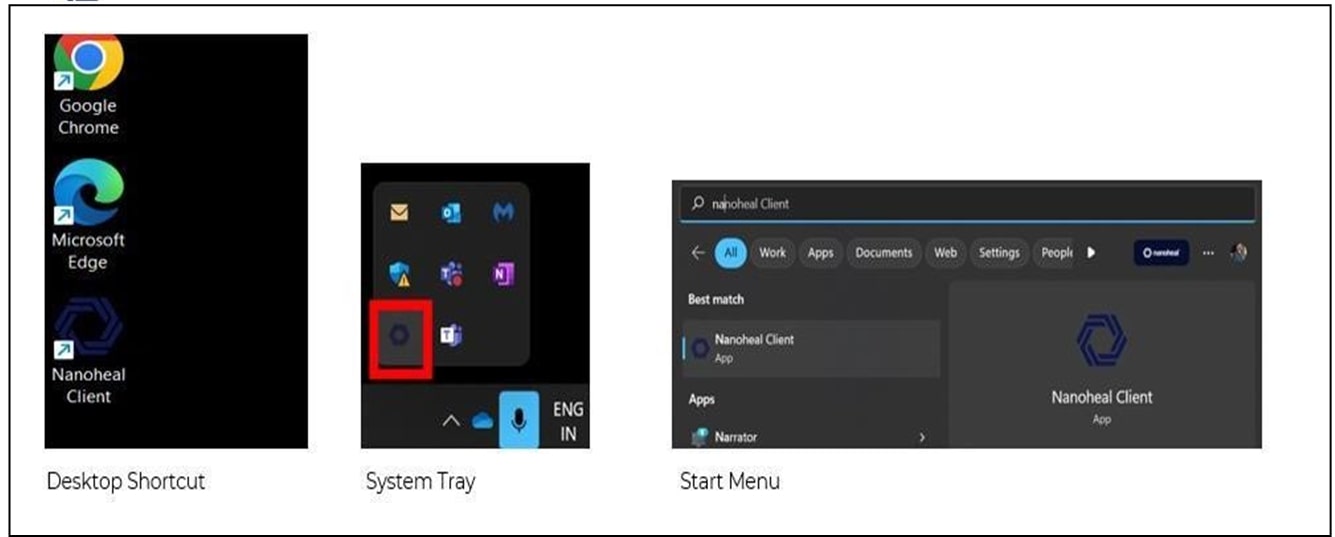
## Below are three options to open Nanoheal client,
### Option 1: Desktop Shortcut Icon
Nanoheal creates a shortcut icon on the desktop once the client installation is completed. User can double-click on the icon to open the client.
### Option 2: System Tray
Nanoheal creates icon on the system tray once client installation is complete. The client is accessible when user double-clicks on the icon in system tray.
### Option 3: System Tray
Nanoheal client can also be accessed using start-menu. User can click on start and search for Nanoheal. Click on the Nanoheal client to open it.
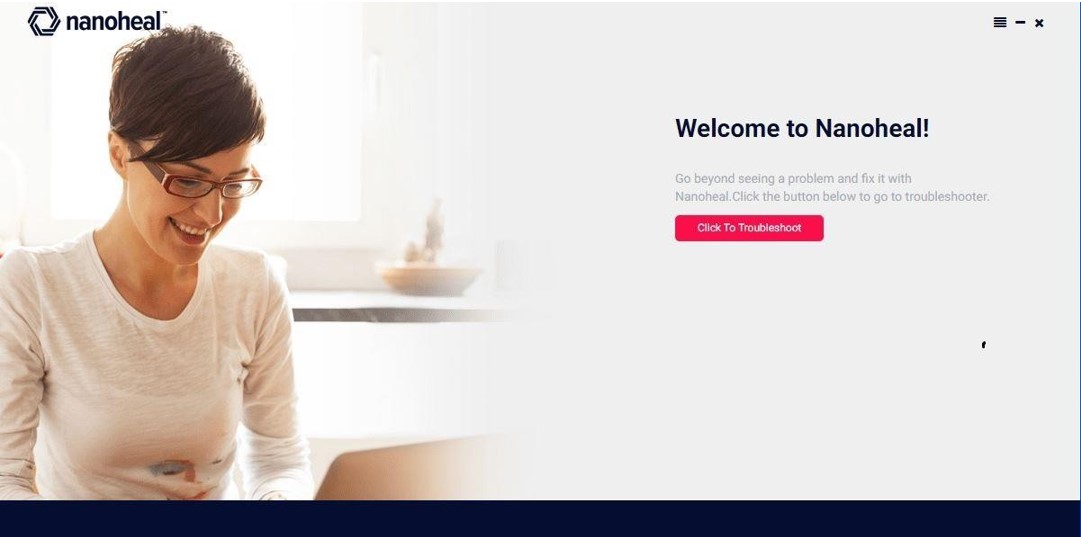
 After Clicking the shortcut icon the Welcome page will come up